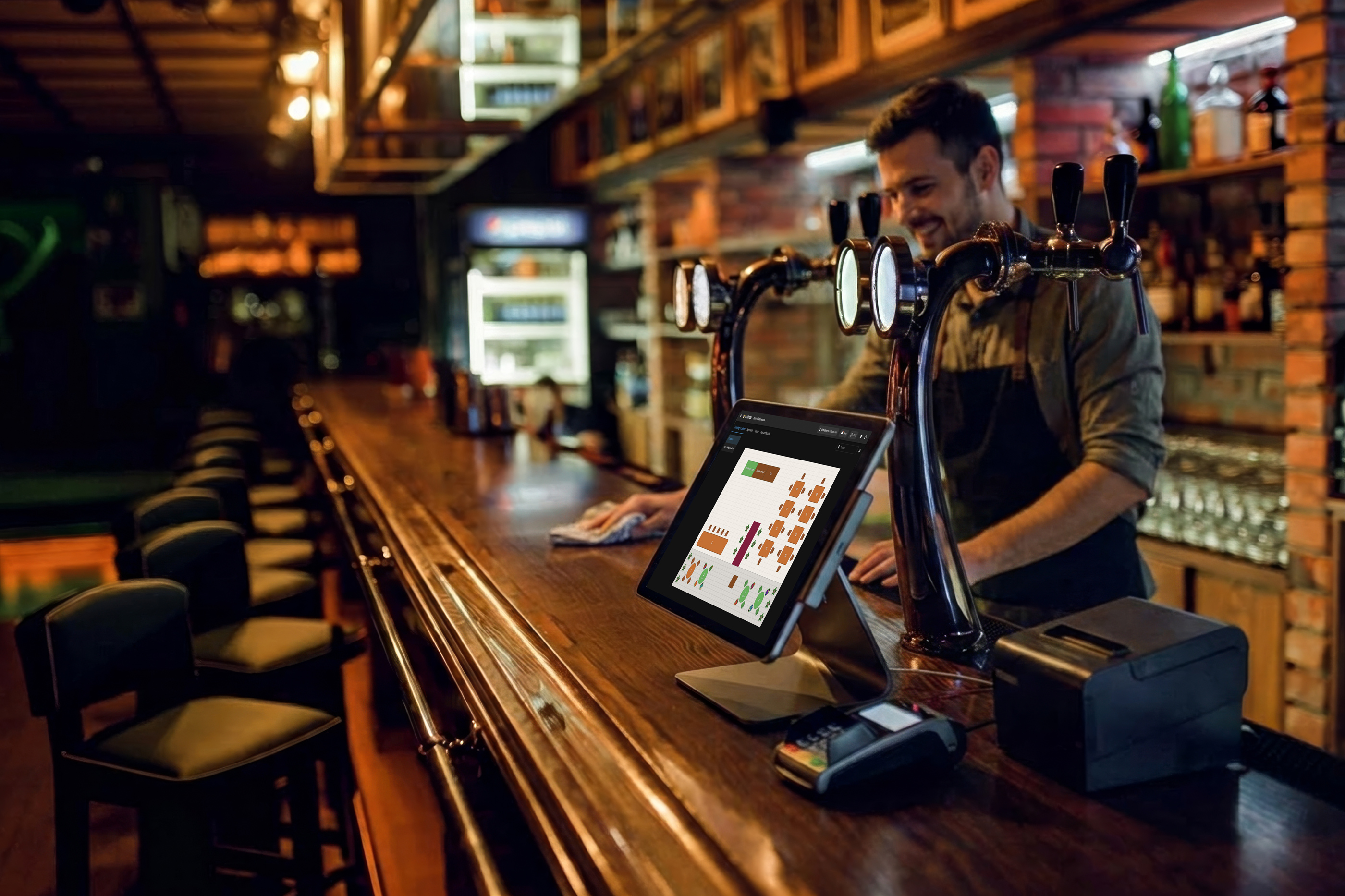
butlaroopoint of sale: bar
demo@butlaroo.com
Ordering location Table 1
Session: Table 1◷ 00:08
♟ 2 guests⛌ All you can eat
New order
- 1Licor 43€4.50
- 1Campari€4.00
Total€8.50
Place orderPlace & pay
MenuDrinksSpirits
Point of Sale
Trusted by leading hospitality brands
















Powering thousands of bars, cafés, and restaurants, from single-location venues to enterprise brands.
Open the browser, sign in, you're taking orders. Use the iPad behind the bar, the laptop in the office, or a €200 Android handheld on the terrace. No installer visit, no extra cable.
Stop counting POS terminals. Add a station for the rush, retire one when it dies. Every device sees the same live menu, the same open tabs, the same shift report.
One flat price
Every device that already runs a browser becomes a POS. Fewer service contracts, fewer printers to chase, fewer breakdowns at the dinner rush.
A shift on Butlaroo POS
Floor
6 tablesFloorplan or quick-tab. One tap and the session starts.
Big tiles, categorized, photo-rich. Search if you forgot a code.
Bar, kitchen, dessert. Each course lands on the right Workstation (KDS).
Bill · split 3
€31.50Card, contactless, cash, split by item or by share. Done.
Hardware independent
Butlaroo POS runs in a browser. That means it runs on the device your team already knows: an iPad behind the bar, a laptop in the back, a handheld in the apron pocket. Nothing on hand? Order our plug-and-play tablets and handhelds and trade the day they arrive. Walk in tomorrow with new screens and your POS terminals follow within the hour.
Customer story
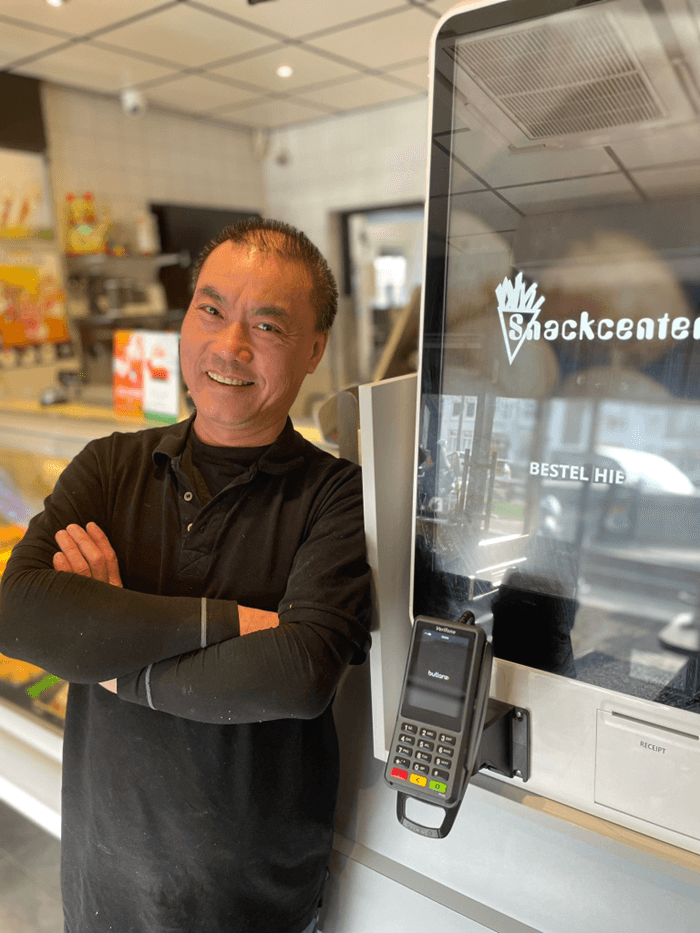
“I no longer waste any time taking orders and handling payments, allowing me to focus entirely on the most important thing: maximizing revenue during peak demand.”
For your staff
Three taps from cover to ticket. New hires productive in an afternoon.
Take the order at the table. Ticket fires before your waiter is back at the POS.
Floor, terrace, side-room, beach. Anywhere your venue stretches, the POS stretches with it.
Split by item, by share, by guest. Tip is configurable per table.
Per-staff orders, tips, and discounts. End-of-shift reports without the spreadsheet.
Photos, plain-language labels, no manuals. The POS explains itself.
For your venue
Bring the device you already own. Switch suppliers anytime. The software follows.
One subscription per location, unlimited POS terminals. Add an extra POS for a busy weekend, switch it off on Monday.
Edit once and the change lands on every POS, every kiosk, every QR table at once.
Tickets flow into Workstation KDS, payouts settle through Butlaroo Pay. One dashboard, one bill.
Hot, cold, and bar items split themselves across the right screens the moment a ticket lands.
Per-hour covers, per-item profit, per-staff sales. Decisions, not just numbers.
Workstation (KDS)
Tickets from the POS, QR, kiosk, and pickup all land on one Workstation screen. Split orders across stations, mark items ready with a tap, and stop chasing slips off the printer.
Bar, hot, cold, dessert. Each station sees only the items it owns.
No more rolls jammed at 21:00. Replace the printer, keep the workflow.
Hot pass, cold prep, expo. All sharing one source of truth.
Clear allergens, clear modifiers, clear timestamps. Tickets stop getting lost mid-shift.
Pair it with the platform
Butlaroo POS is great on its own. Pair it with QR ordering, kiosk, click & collect, and Workstation KDS and every order, counter, table, online, kiosk, lands in one place, on one menu, with one report at the end of the night.
If you only need a faster, cheaper, less proprietary POS, start there. Bring your own iPads, plug in payments, you're trading by next week.
Combine POS with QR ordering, kiosk, click & collect, Workstation KDS, Butlaroo Pay, and Stories. One menu, one bill, one number you trust.
Four areas, sixteen features. Switch on what you need today, layer in the rest as you grow.
Confirm the order and it's on the right station's screen before the guest finishes thanking you.
Pay
€23.60
Handheld terminal at the table. No walk back to a POS, no missed tips.
Sides, sauces, swaps, allergies, all priced live as your staff taps them in.
One tap reorders last night's exact round, faster than asking the regulars.
Connects to the payments, kitchen displays, accounting, and reservation systems you already use.






No. Butlaroo POS runs in any modern browser, on iPad, Android, Windows, or macOS. Use the devices you already own, or a €200 handheld if you need to scale up tomorrow.
As many as you want. There's one flat subscription per location, not per POS. Add a station for the rush, retire it on Monday, no surprise on the invoice.
The POS keeps trading. Orders, payments, and tickets queue locally and sync the moment the connection returns. The kitchen never goes dark.
Adyen, Worldline, CCV, Stripe Terminal, and most major card brands. Tipping, splits, and refunds are built-in.
Yes. Butlaroo Workstation (our KDS) is bundled and replaces paper tickets entirely. If you already have a KDS, we integrate with the major vendors.
Most venues are live within a week. We import your menu, mirror your floorplan, and run a parallel shift on day one. No installer visit, no closing the doors.
You do. Sales, guest profiles, and shift data live in your account and export at any time. No marketplace middleman.
Pricing depends on your setup. See current rates and a quick estimate for your restaurant on our pricing page.
See pricingOne AI-powered restaurant OS to support all ordering channels & operations.








We use cookies to make the site work, to understand how it is used, and (with your permission) to personalise marketing.