Self-Order Kiosk
Let guests skip the line and order for themselves.
A fluent, photo-led ordering flow built for maximum throughput. Runs on any Windows device. No proprietary hardware to babysit.
























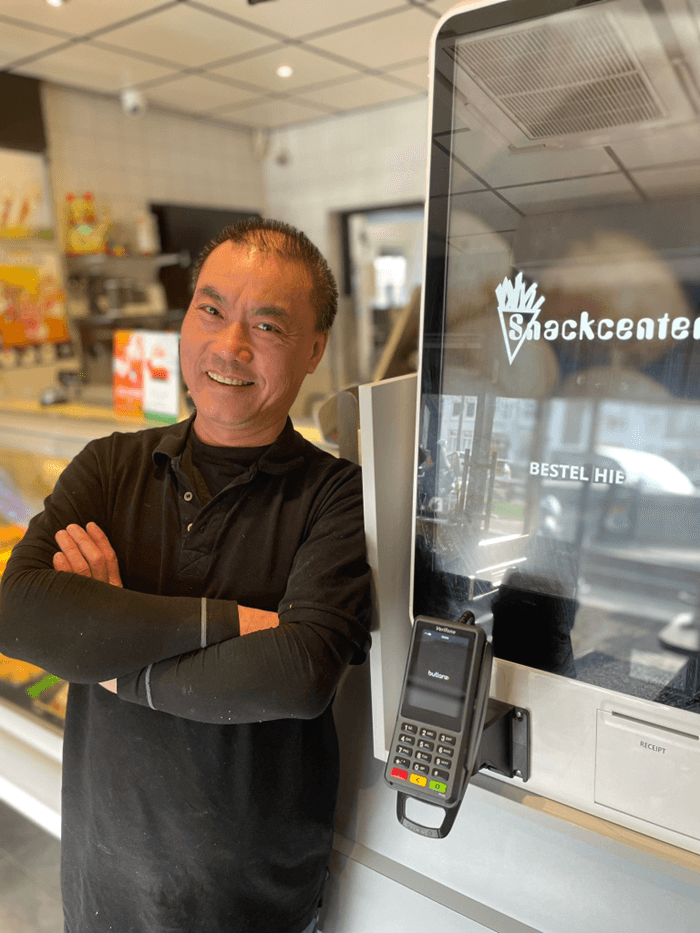
Customer story
“I no longer waste any time taking orders and handling payments, allowing me to focus entirely on the most important thing: maximizing revenue during peak demand.”

- average check
- +22%
- at peak rush
- 3× faster
What a kiosk does for the counter.
- 01
Move 3× more orders at peak.
Every kiosk is an extra register that never breaks character. Guests order in parallel while staff plate, pour, and run.
throughput - 02
Lift the average check by 22%.
Modifier prompts, combo upsells, and a perfect dessert nudge fire on every order. The kiosk never forgets to ask.
upsell - 03
Save a full register of payroll.
Reassign your best people to the pass and the floor. The kiosk handles ordering, the human handles hospitality.
labor
How it works
From walk-in to ready, in four steps.
- 1
Guest taps to start.
Dine in or to-go, in their language. Big buttons, no manual.
- 2
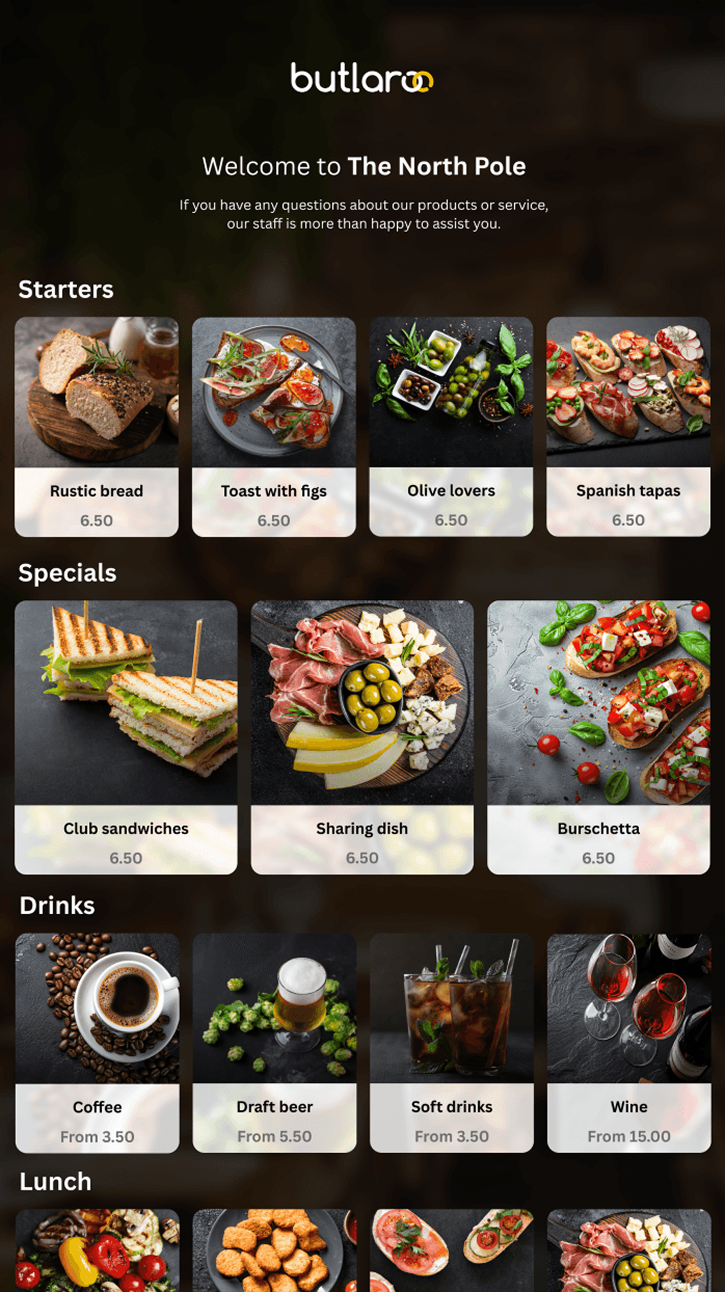
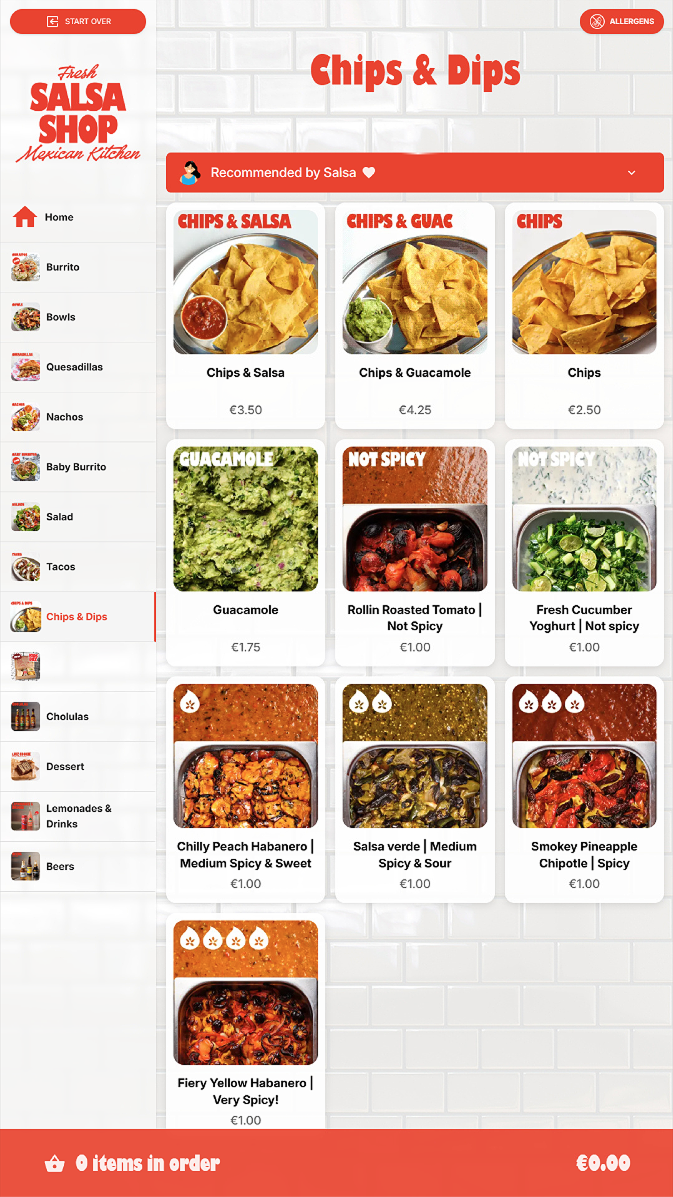
Browses a visual menu with photos.
Categories, dietary filters, allergens, live availability.
- 3
Adds items, sees smart upsells.
Combo prompts and modifier flows that earn their keep.
- 4
Pays at the kiosk, ticket lands in the kitchen.
Card, contactless, Apple Pay. Receipt to print, email, or QR.
Every detail, dialed in.
Four categories, dozens of features. Switch on what you need today, layer in the rest as you grow.
Photo-led menu
Big tiles, mouthwatering photos, prices that print.
Multilingual
Switch language with one tap. Built for tourists.
Accessible by default
Wheelchair height mode, large text, screen reader.
Allergen flags
Clear icons on every item that needs them.
Hardware independent
Your screens, your peripherals, our software..
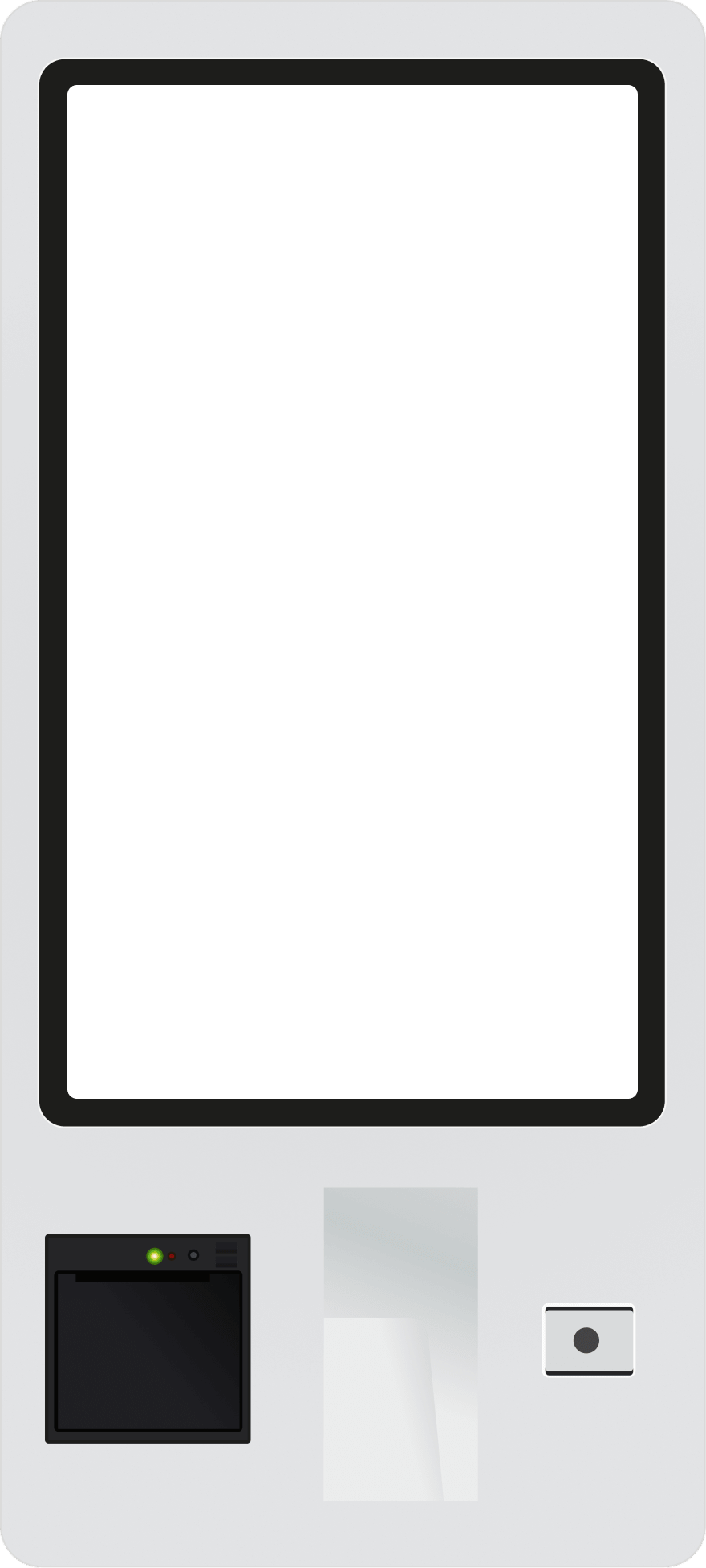
Run our self-ordering kiosk software on any Windows-based device, from a 10-inch counter unit to a 32-inch floor-stander. Pick your screen, pick your printer, pick your payment terminal. We meet your hardware where it lives.
- 01
Any Windows device
Counter, wall-mount, floor-stand. Touch screens, all-in-ones, even existing kiosks.
- 02
Bring your peripherals
Receipt printers, payment terminals, scanners. We integrate, you don't replace.
- 03
No vendor lock-in
Your hardware stays yours. Change supplier, change screens. The software follows.
Works with what you already run.
POS, payments, kitchen displays, accounting. We meet your stack where it lives.






Questions, answered.
Do I need to buy your hardware?
No. Our kiosk software runs on any Windows device. Counter unit, wall-mount, or floor-stander, with the screen, printer, and payment terminal you already have or prefer to source.
How much faster is a kiosk than a cashier?
In our deployments, a single kiosk processes 2 to 3 times the orders a cashier can during peak. Add a second kiosk and the line collapses entirely.
Which languages are supported?
Out of the box: English, Spanish, French, German, Dutch, Italian, Portuguese, plus right to left languages. Add more on request.
Which payment methods work?
Contactless card, Apple Pay, Google Pay, chip and PIN. Tipping is configurable per venue.
Will it work with my kitchen display?
Yes. We integrate with the major KDS and printer vendors. If yours is missing, we add it.
Is it accessible?
Wheelchair height mode, large-text mode, audio guidance, and high-contrast theme. Built to meet ADA and EN 301 549.
Can I match my brand?
Logo, colors, fonts, photography. Every venue can run its own theme, even within the same group.
How is it priced?
A flat per kiosk subscription, plus a small fee per order. No setup fees. Talk to sales for volume pricing.
Ready to ditch the line? Start with a demo..
The platform.
One AI-powered restaurant OS to support all ordering channels & operations.