La commande arrive sur la ligne.
QR, kiosque, comptoir ou retrait : chaque commande arrive de la même façon, comme un ticket numérique propre.
Workstation (KDS)
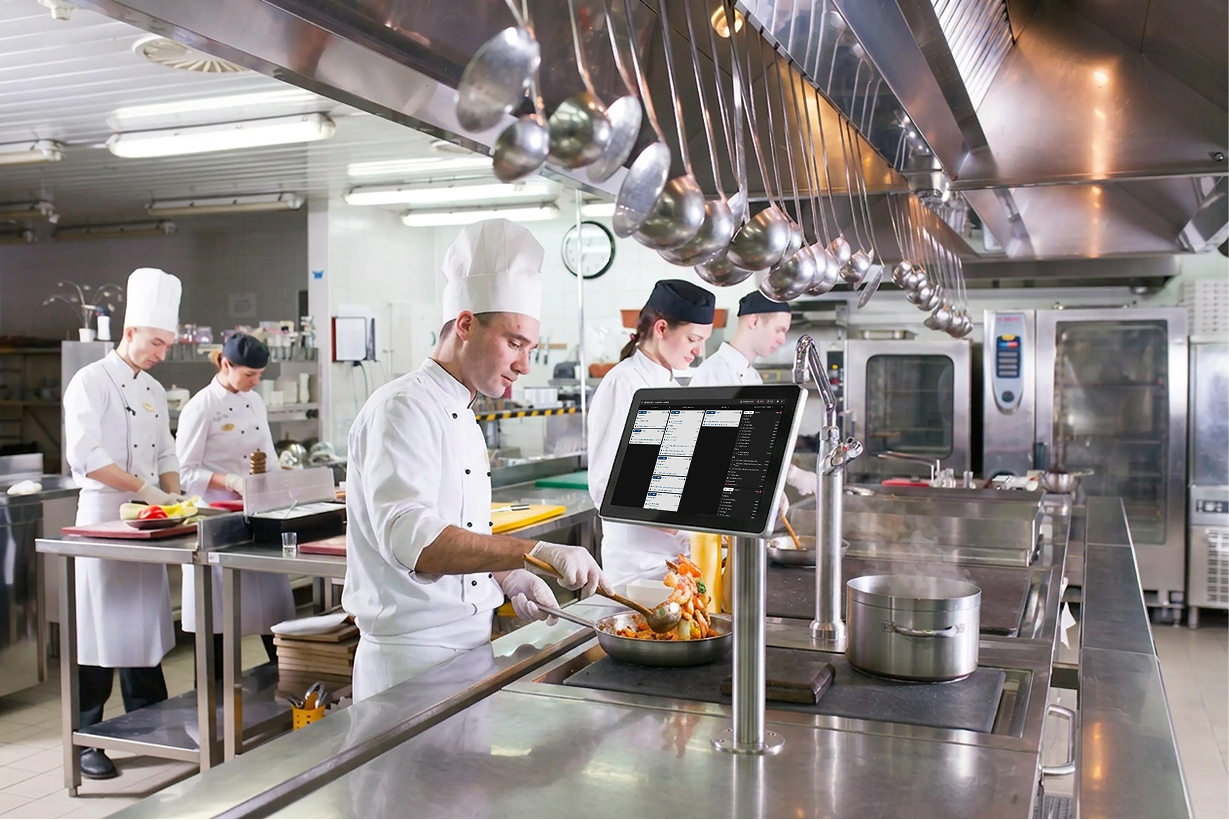
L'écran de cuisine qui fait tourner votre cuisine en silence. Les commandes arrivent au bon poste, les minuteurs gardent la préparation à l'heure, et le papier prend enfin sa retraite.
La confiance des plus grandes marques hôtelières du monde
















Chaque commande est une carte sur un tableau live : nouvelle, en cuisson, prête, le tout sur un seul écran. La ligne avance sans papier, sans runners, et sans que personne n'ait à crier d'un bout à l'autre de la cuisine.
Fini les tickets froissés à déchiffrer ou à porter d'une station à l'autre. Les commandes se routent toutes seules, les minuteurs gardent la ligne au tempo, et chaque plat arrive au passe à l'heure.
−40% time on the pass
Au revoir au rouleau d'imprimante, à la pique, aux tickets froissés dans le bac. Workstation affiche chaque commande à l'écran exactement là où le cuisinier en a besoin, et la met à jour en temps réel.
Allergènes, modificateurs, notes spéciales et quantités s'affichent directement sur la carte, en gros caractères lisibles. Plus besoin de deviner ce que voulait dire 'sans noix, client sensible' trois commandes plus tôt.
Comment ça marche
QR, kiosque, comptoir ou retrait : chaque commande arrive de la même façon, comme un ticket numérique propre.
Chaud, froid, bar, friteuse. Chaque item va là où on le cuit. Pas de runners, pas de rappels criés.
To do
Cooking
Ready
Les tickets passent par trois colonnes : To do, Cooking, Ready. Chaque station voit le même tableau live, en temps réel.
Pass
#4821Le runner voit la table, les items et chaque modificateur. Le ticket disparaît de la ligne.
Routage intelligent des stations
Taggez vos items une seule fois : chaud, froid, bar, dessert. Workstation fait le reste. Le burger part au grill, la salade au passe froid, les boissons au bar. Chaque station ne voit que ce qu'elle cuit, dans le bon ordre, au bon rythme. Tables à plusieurs services ? Workstation cadence entrées, plats, accompagnements et desserts pour que rien ne traîne sous les lampes.
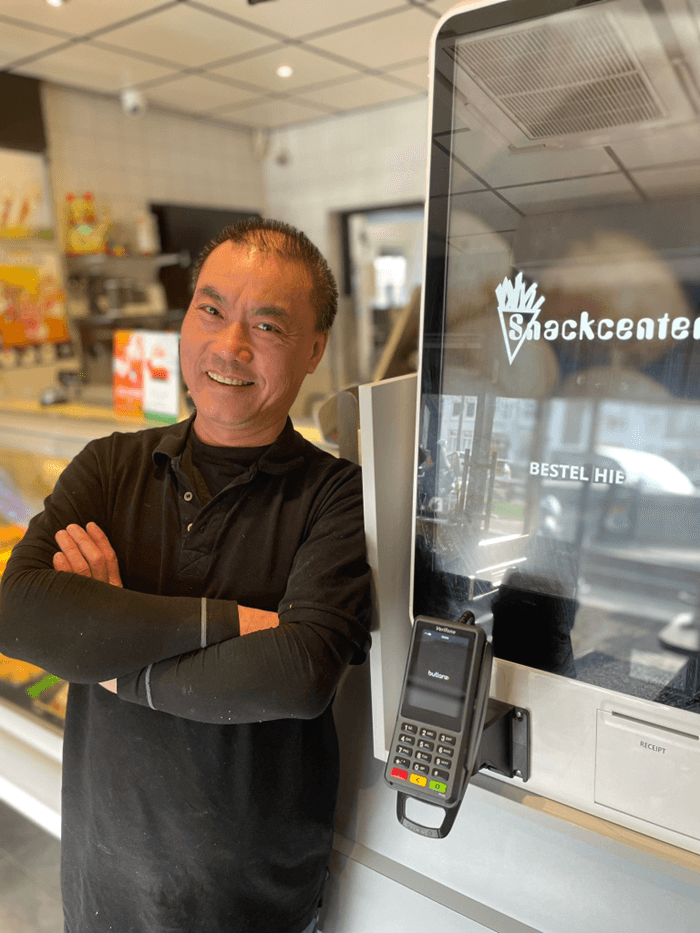
Témoignage client
“Je ne perds plus de temps à prendre des commandes et à encaisser, ce qui me permet de me concentrer pleinement sur l'essentiel: maximiser les recettes en pic d'affluence.”
Pourquoi les cuisines l'adorent
Fini les rouleaux d'imprimante, les piques à tickets et les bons thermiques décolorés. Chaque commande vit à l'écran, et la cuisine tourne littéralement plus propre.
Les tickets se trient seuls par station, par service, par temps à l'écran. Plus besoin de deviner quelle commande sort en premier ou à qui appartenait quel modificateur.
Un seul ticket arrive sur deux, trois ou quatre stations à la fois, chacune ne voyant que ce qu'elle doit cuire. Plus besoin de faire passer le papier.
Chaque carte a son propre minuteur. Vert, orange, rouge. La ligne voit d'un coup d'œil ce qui est dans les temps et ce qui risque de glisser.
Les allergènes s'affichent en grand, en couleur, tout en haut de la carte. Workstation rend impossible de passer à côté d'un 'sans gluten' ou 'allergie aux noix'.
Accompagnements, substitutions, sauces, extras. Chaque modification apparaît sous l'item, en caractères lisibles. Fini la roulette de l'écriture manuscrite.
Tap pour effacer un item terminé, swipe pour rappeler une erreur. Le passe et la ligne restent synchros sans que personne ait à crier dans la cuisine.
Les entrées partent à la commande. Les plats partent quand les entrées sont validées. Workstation cadence les tables pour que le dessert n'arrive jamais pendant que les plats sont encore servis.
Les commandes arrivent du QR, des kiosques, du click & collect, des marketplaces et de votre POS. Workstation est la seule source de vérité sur la ligne.
Activez ce qu'il vous faut dès le premier jour, ajoutez le reste à mesure que la cuisine grandit.
Les items partent automatiquement vers chaud, froid, bar, friteuse.
Un ticket sur chaque station qui le concerne.
Tap pour effacer, swipe pour rappeler. Pas de papier.
Substitutions et extras mis en avant sous chaque item.
Tourne sur ce que vous avez
Workstation tourne sur le matériel que vous avez déjà, ou sur celui que vous voulez acheter. Montez un iPad sur un bras articulé, installez une tablette Android étanche, ou suspendez un écran de cuisine 27 pouces au-dessus du passe. Coques anti-projections, écran tactile compatible avec les gants, et une interface qui fonctionne pareil sur chaque écran.
Les commandes arrivent de tous les canaux, les tickets atterrissent sur tous les écrans, votre POS voit la même image. Une seule source de vérité.






Non. Workstation tourne sur n'importe quel iPad, tablette Android ou écran tactile Windows que vous possédez déjà. Si vous voulez une installation propre et adaptée à la cuisine, nous pouvons recommander des supports et des coques, mais le logiciel s'adapte à tout.
Taggez chaque item du menu avec une station (chaud, froid, bar, friteuse, dessert, ou n'importe quelle station personnalisée). Workstation fait le reste : chaque ticket arrive automatiquement sur les bons écrans, dans le bon ordre de service.
Oui. Un seul ticket se déploie sur chaque station qui le concerne. La station salades voit la salade, le grill voit le burger, le bar voit la boisson. Chacun valide ses propres items.
Oui. La plupart des cuisines font tourner les deux pendant une semaine ou deux. Workstation peut envoyer des tickets papier à l'imprimante en parallèle, pour que la ligne bascule à son rythme.
Workstation lit les commandes depuis votre POS et depuis chaque canal Butlaroo (QR, kiosque, click & collect, marketplaces). Les principaux POS, Lightspeed, Oracle Micros, unTill, Trivec, Vectron et d'autres, sont pris en charge nativement.
Chaque écran met le service en cache localement et se reconnecte automatiquement. Les cuisiniers continuent à cuisiner. Pas de tickets perdus, pas de validations manquées.
Oui. Les entrées partent à la commande, les plats partent quand les entrées sont validées, le dessert attend que les plats soient débarrassés. Vous pouvez tout outrepasser depuis le passe en un tap.
Le tarif dépend de votre configuration. Retrouvez les tarifs à jour et une estimation pour votre restaurant sur notre page Tarifs.
Voir les tarifsUn OS de restaurant propulsé par l'IA pour tous les canaux de commande et opérations.









Nous utilisons des cookies pour faire fonctionner le site, comprendre son utilisation et (avec votre accord) personnaliser le marketing.